One Character Drawing, Every Angle You Need
Upload a single character image and generate front, side, and back views. Get a full turnaround reference without redrawing anything.
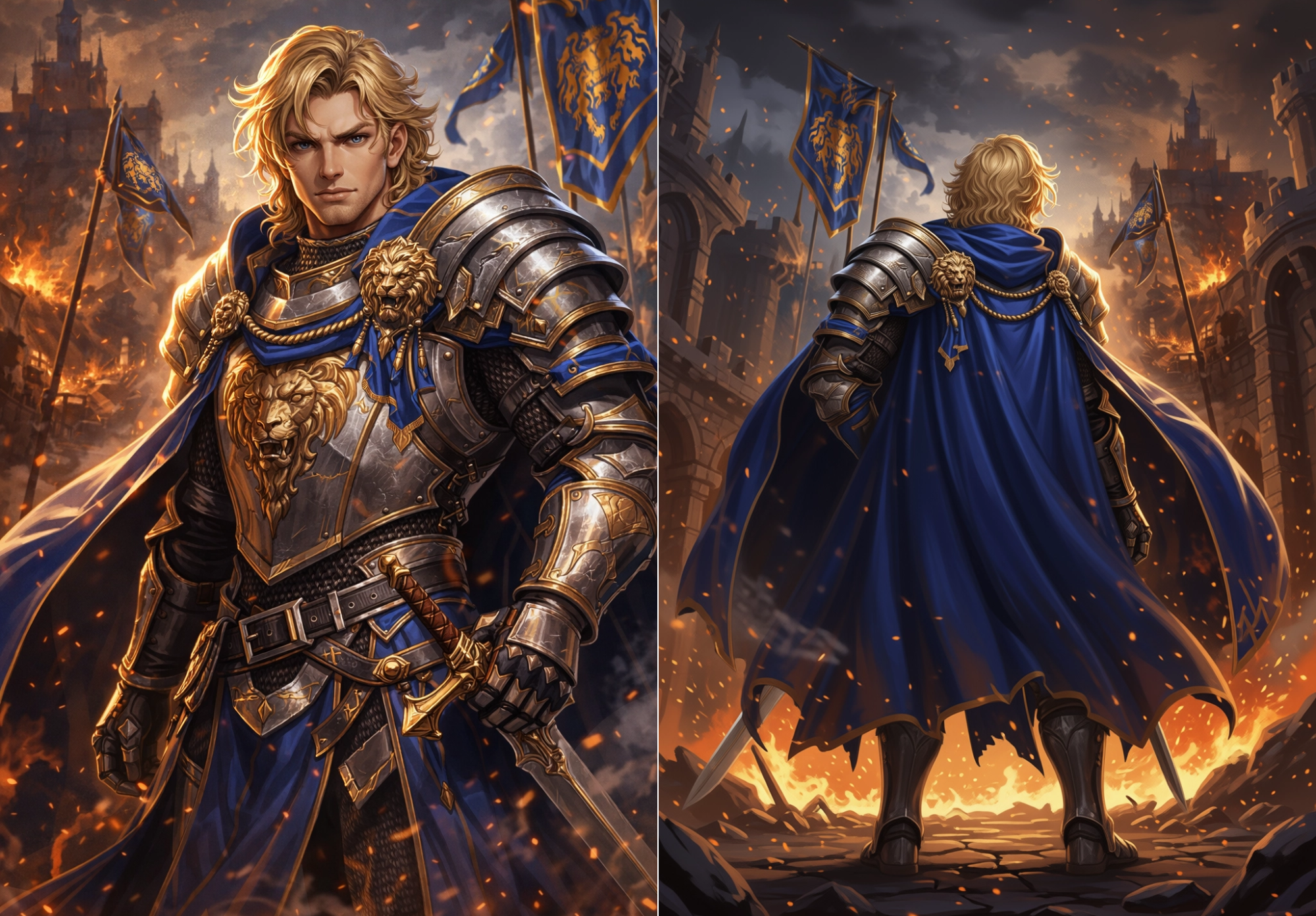
Drawing every angle by hand is slow
Game characters and original designs usually need views from multiple sides. Getting there the traditional way takes real effort.
Redrawing the same character takes hours
You drew a great front view. Now you need the side and back — which means re-proportioning and guessing what you can't see. That eats a full day or more.
Keeping the look consistent across angles is hard
Even experienced artists find it tricky to match proportions, outfit details, and shading across front, side, and back. Small mismatches pile up.
Outsourcing turnaround sheets is expensive and slow
Freelance character sheet commissions can take days and cost $50–$200+ per character. If you have many characters, that adds up fast.
From one drawing to a full character sheet
Upload your character concept and let AI generate the other angles. Same outfit, same proportions, different viewpoints.

Before
Original character concept

After
A 90° · E 0° · D 5
Generated multi-angle character view
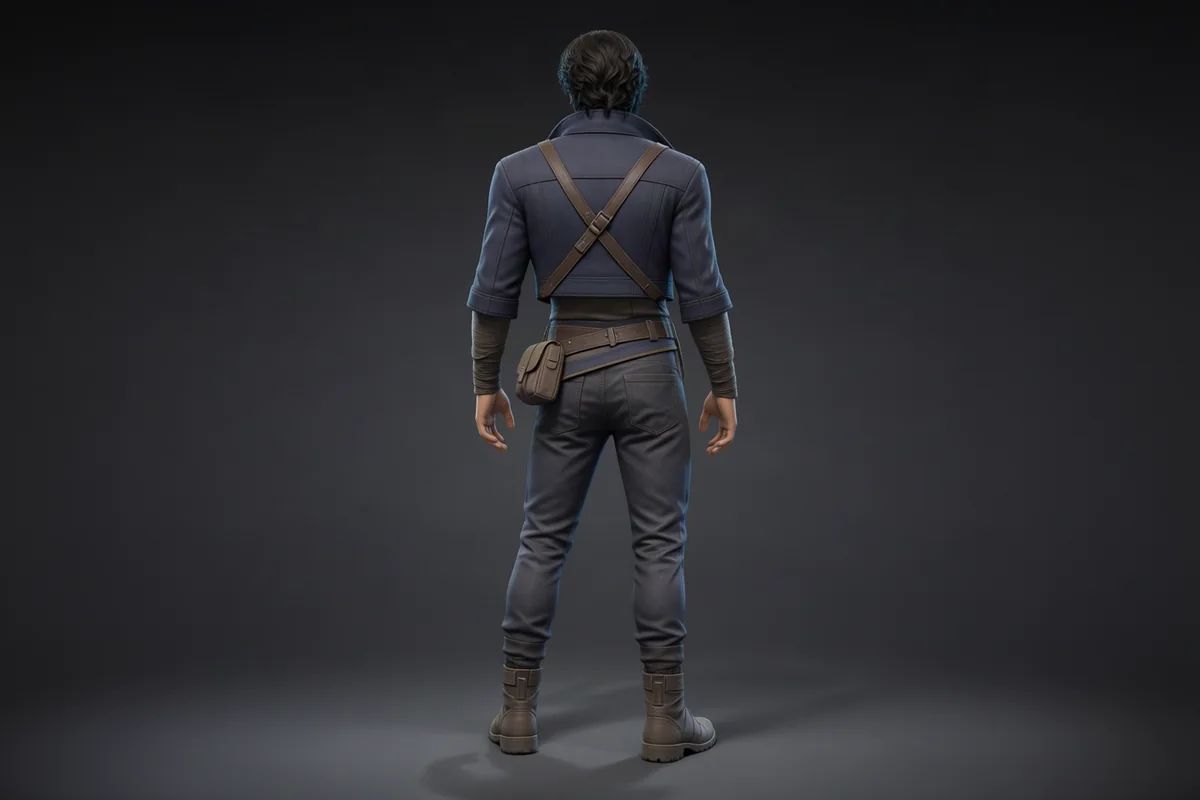
After
A 180° · E 0° · D 5
Generated multi-angle character view
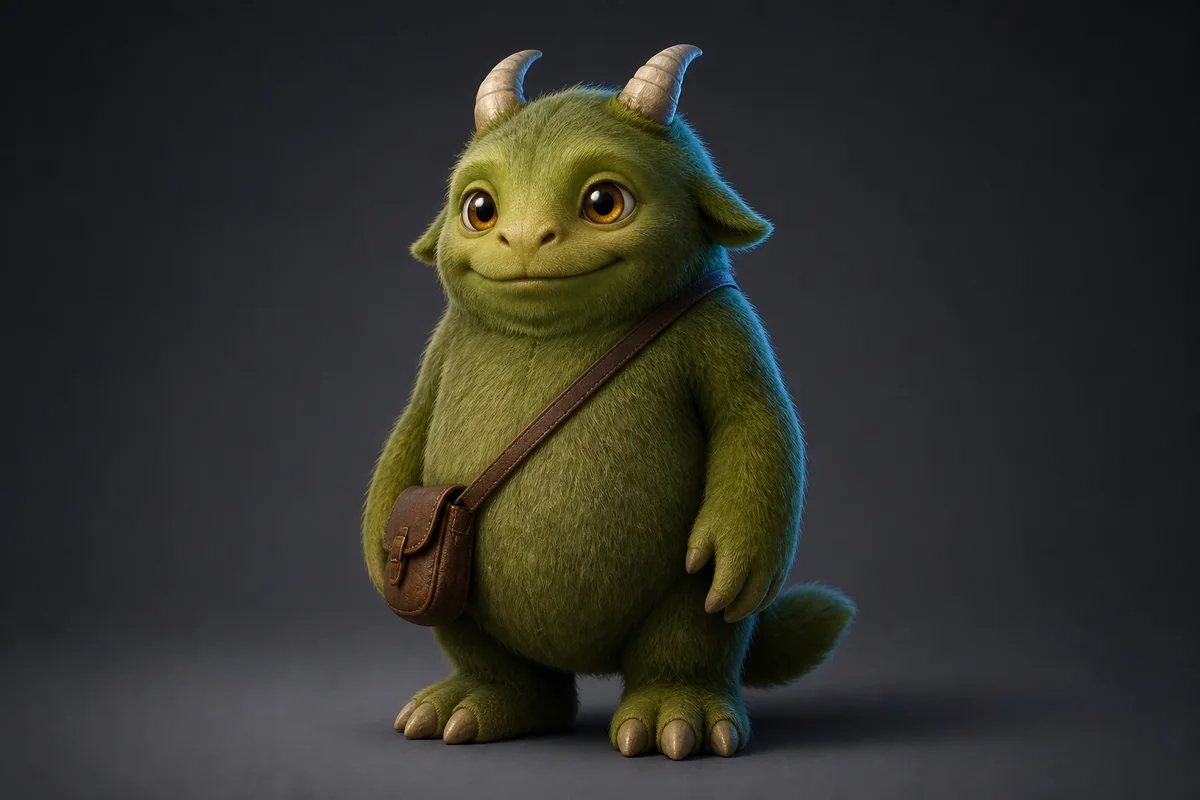
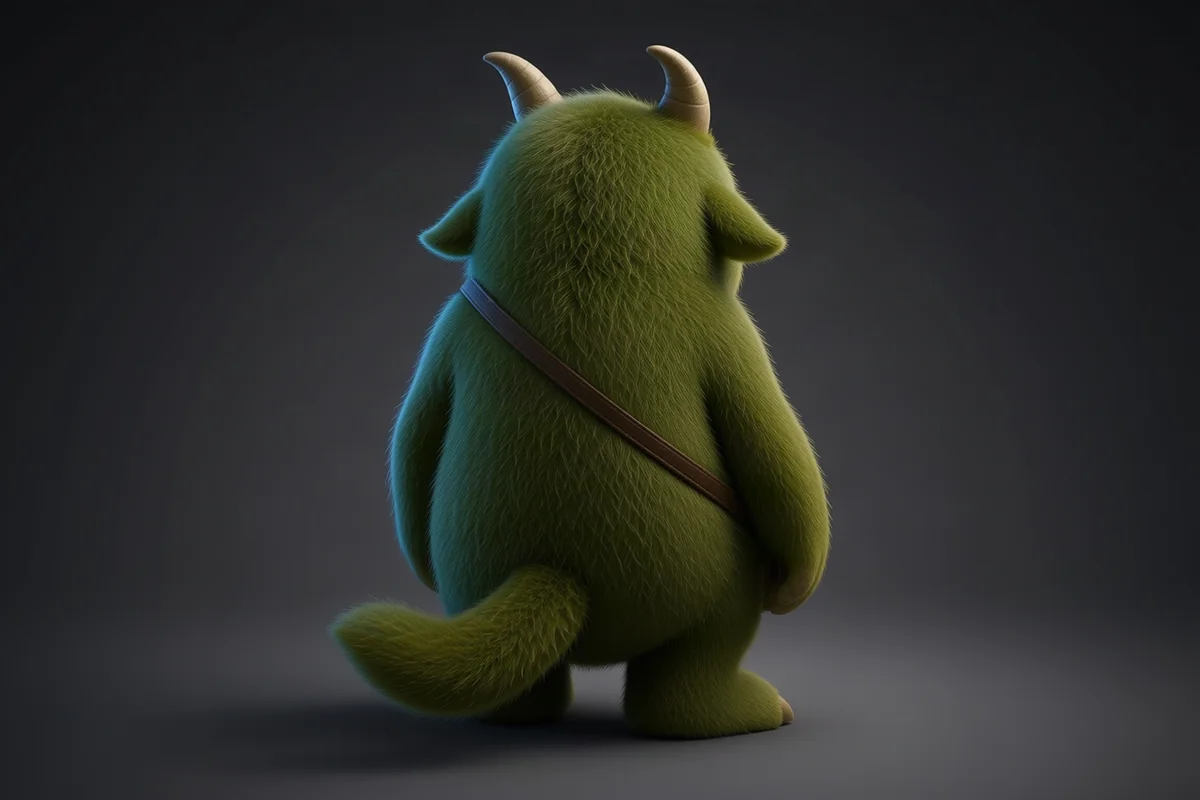
Before
Original character concept
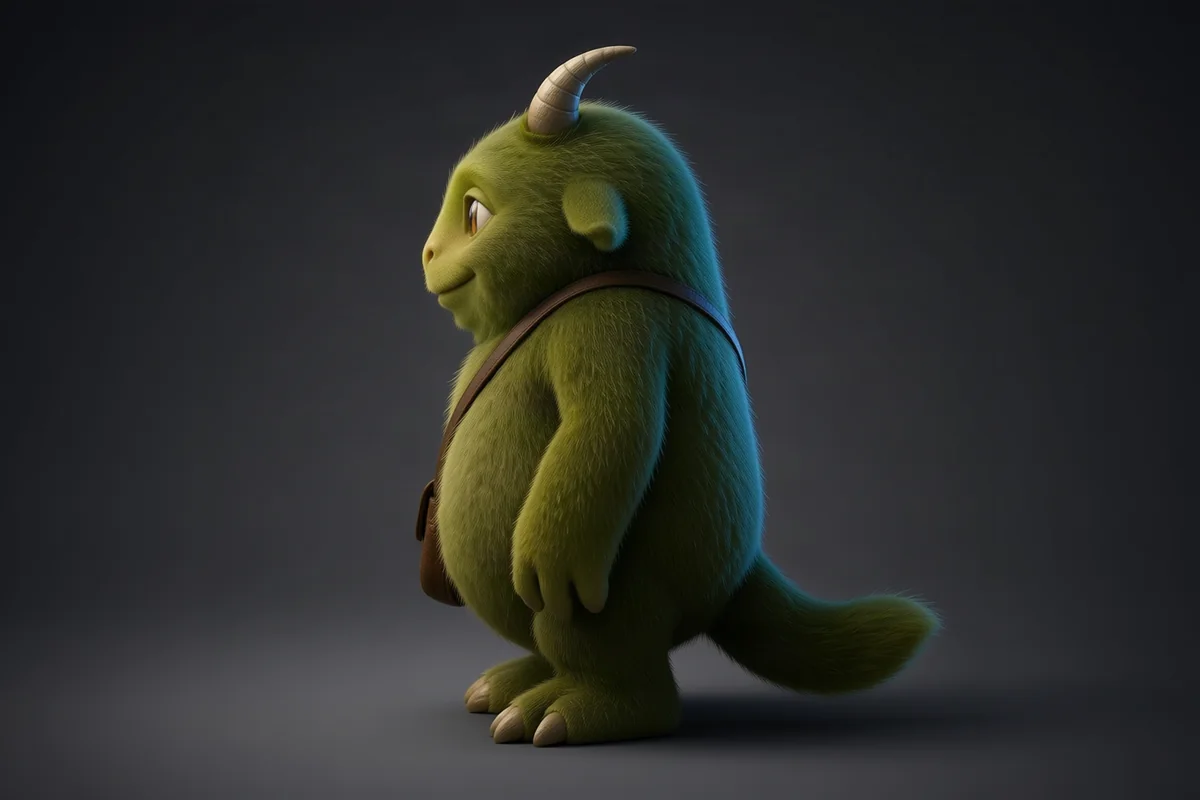
After
A 90° · E 0° · D 5
Generated multi-angle character view
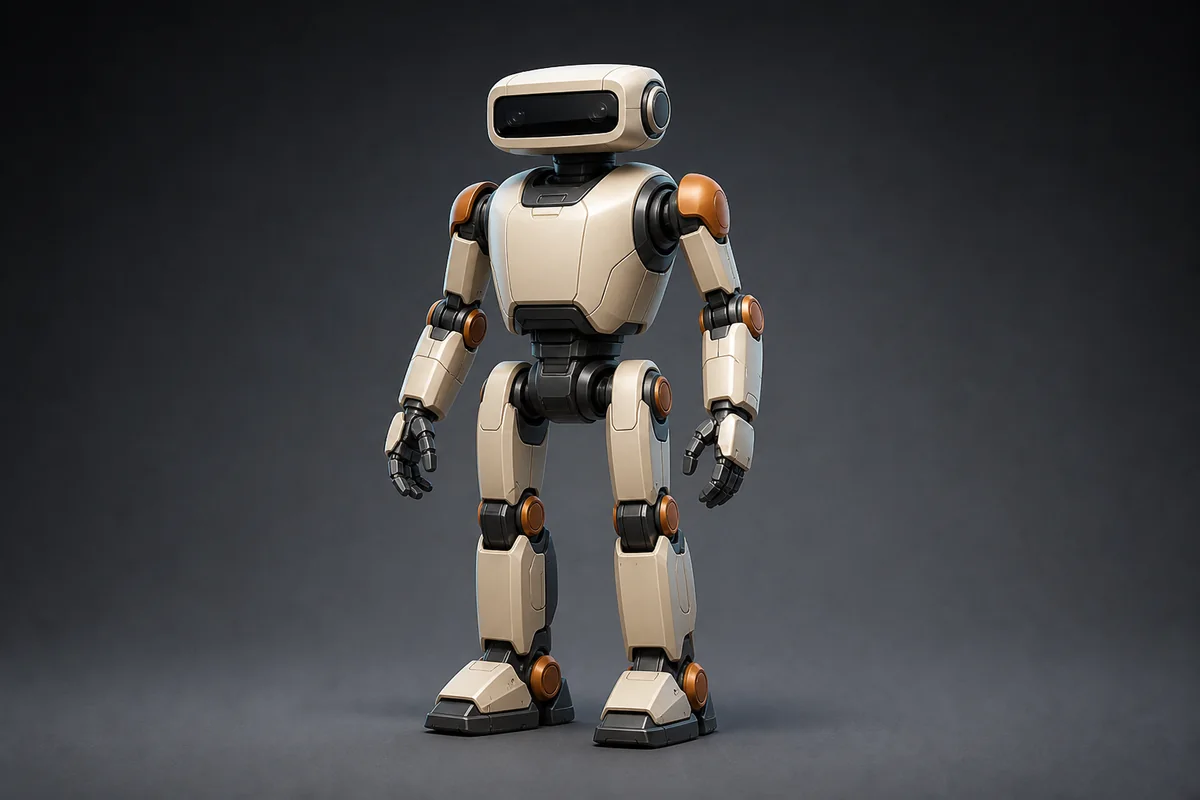
After
A 180° · E 0° · D 5
Generated multi-angle character view
Before
Original character concept
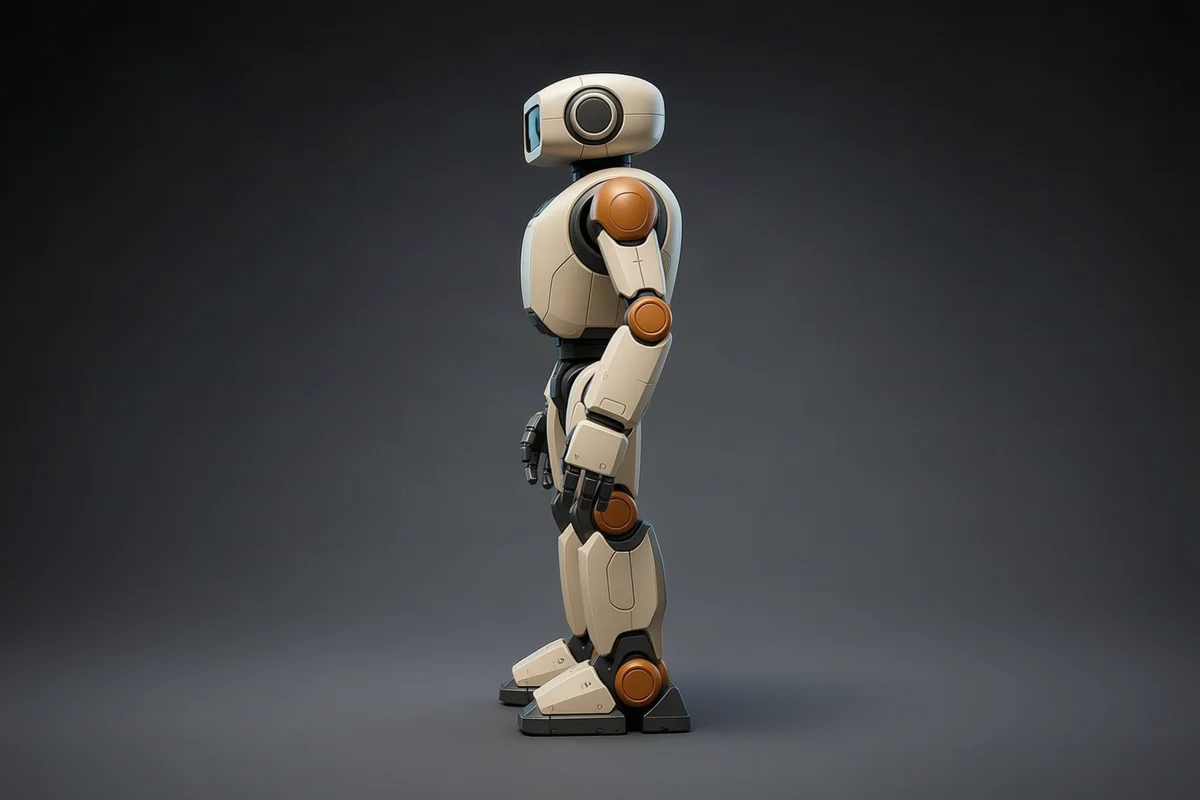
After
A 90° · E 0° · D 5
Generated multi-angle character view
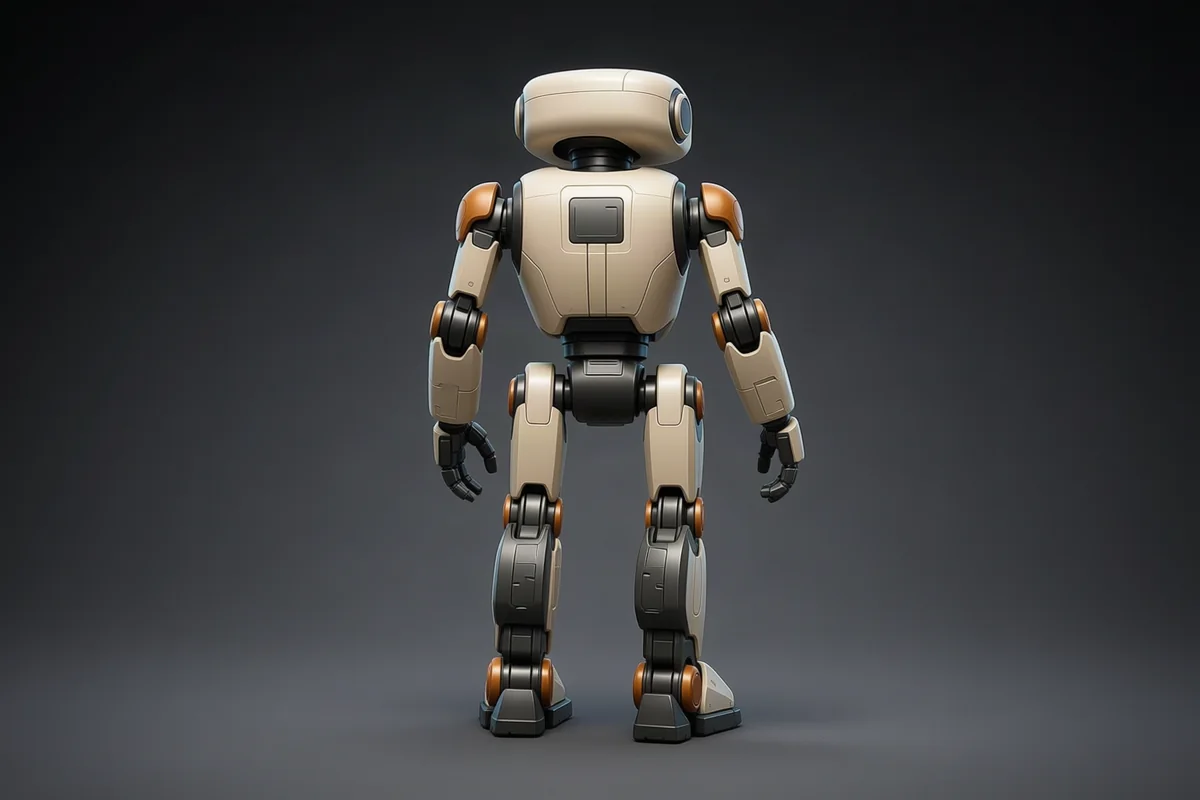
After
A 180° · E 0° · D 5
Generated multi-angle character view
Character input checklist
Keep the full silhouette visible, including hands, feet, weapons, and accessories
Separate the character clearly from the background
Make costume structure, material boundaries, and key details readable
Generate eye-level side and back views before testing high or low angles
Common failures and corrections
Accessories swap sides
Use a clearer three-quarter input that shows where each accessory attaches.
Back details are invented
Treat hidden surfaces as concept reference unless they are visible in the source.
Limb proportions drift
Generate 45° first, then continue to 90° instead of making one large jump.
A three-step turnaround workflow
01
Upload
Choose a complete character image with readable structure.
02
Set the view
Use 90° for the side and 180° for the back, keeping elevation and distance fixed.
03
Review each view
Compare face, costume, accessories, and material; retry with a smaller turn if needed.
How it works
Three steps from a single character drawing to a complete multi-angle reference sheet.
Upload your character art
Use a clean character drawing or concept — front-facing works best. Clear outlines and simple background give the best results.
Choose which angles you need
Pick side view, back view, three-quarter, or any combination. Each angle is generated separately so you can check it before moving on.
Download your reference sheet
Save each view and arrange them into a turnaround sheet for your modeler, animator, or your own reference.
Works for different character styles
Whether your characters are realistic, stylized, or pixel-art inspired — the tool adapts to your art style.
Human characters
Front, side, and back views for realistic or semi-realistic character designs with clothing and accessories.
Creatures and monsters
Non-human characters work well when the silhouette is clear. Complex organic shapes may need an extra review pass.
Mechs and vehicles
Hard-surface designs with clear geometry translate well. Side and three-quarter views are especially useful.
Chibi and stylized
Exaggerated proportions and cartoon styles are handled naturally. Great for mobile game character sheets.
Weapons and items
Swords, shields, potions — small objects benefit from front and side views to show profile and detail.
Fits into your game dev workflow
Use the generated references wherever you build characters and assets.
Unity
Use multi-angle references to guide sprite creation or as texture reference for 3D character models.
Unreal Engine
Import reference images as texture planes and model directly against front and side views.
Blender & 3D tools
Set up front, side, and back references as background images in your modeling viewport.
Frequently asked questions
Common questions about generating character turnaround sheets with AI.