See Your Photo from a Different Angle
You only shot from the front, but you need a side view or a three-quarter look. Upload one picture and generate another viewpoint while keeping the same person or character recognizable.
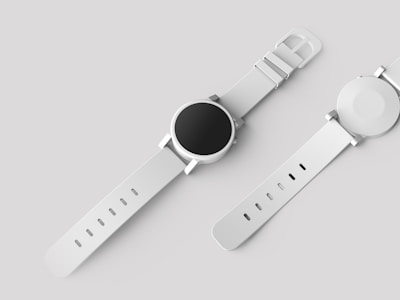
One angle is rarely enough
Most photos are taken from a single spot. When you need another look, reshooting or heavy editing is the usual answer.
Reshooting just for a new angle is a hassle
The model or subject may not be available again. Lighting and outfit won't match the first shoot, so the new frame looks like a different day.
Painting or editing the missing view by hand is guesswork
You open Photoshop and try to imagine what the side of the face or outfit looks like. Small mistakes break the illusion.
Turnarounds for illustration take forever
Comic panels, pitch decks, and character sheets often need the same face from more than one direction. Doing it manually burns hours.
One picture, another point of view
Upload a portrait or character image. Pick the angle you want — side, back, or a slight camera shift — and get a new image that stays close to the original look.
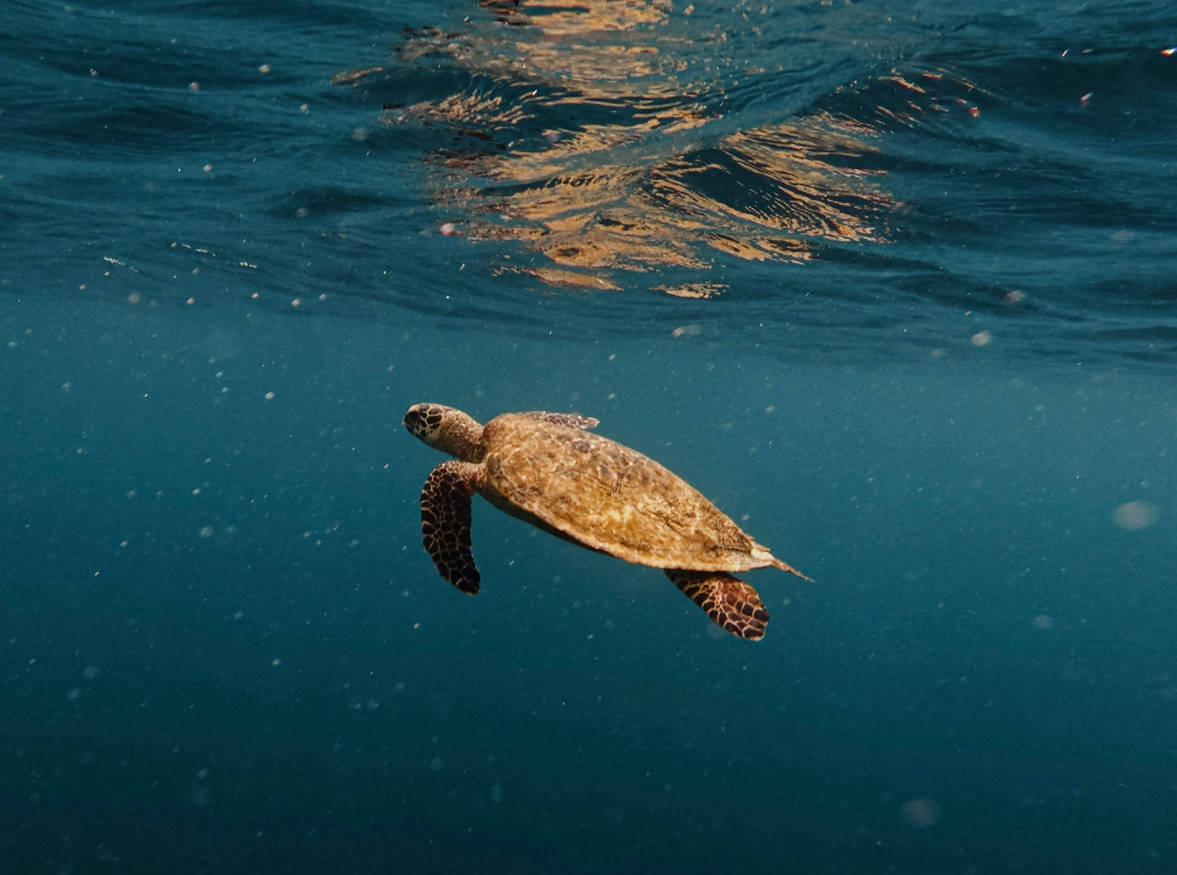
Before
Original product photo
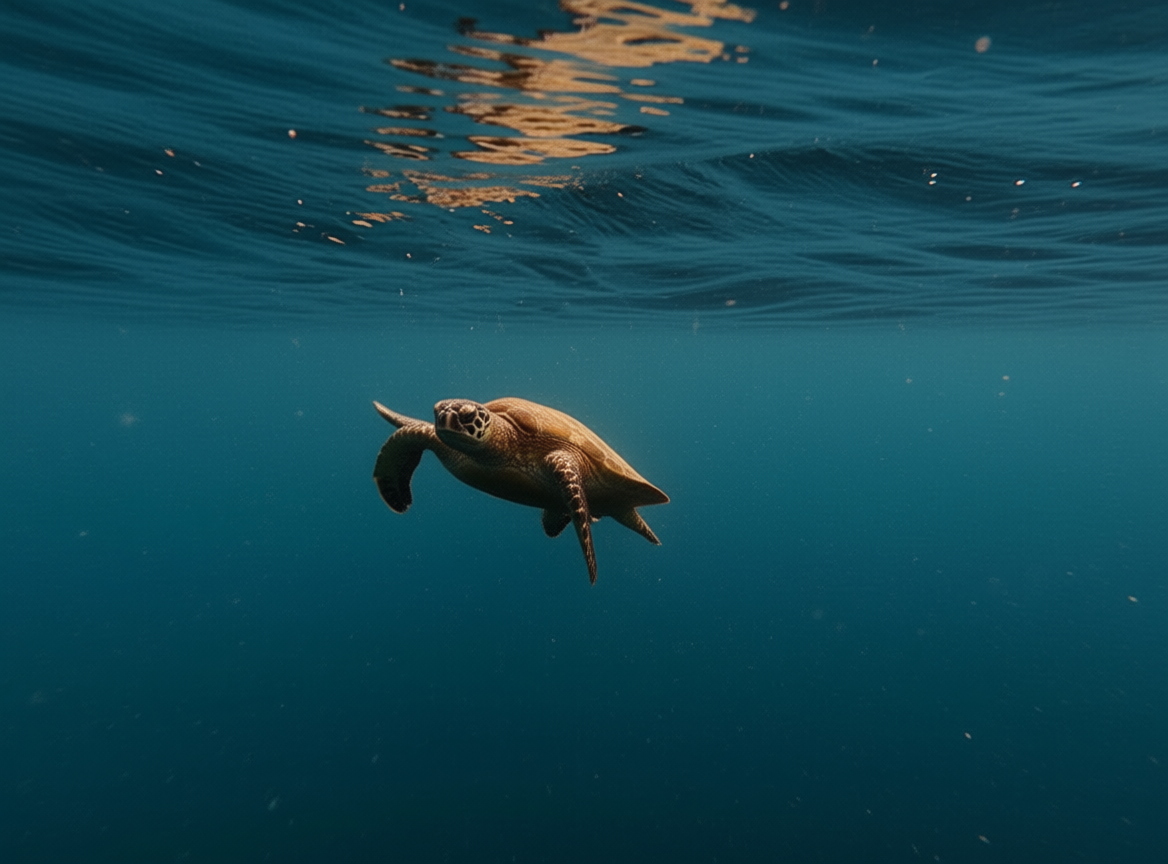
After
A 45° · E 0° · D 5
Generated multi-angle result
How it works
Three steps from a single photo to an extra viewpoint you can use in your project.
Upload your photo
Use a clear shot of a person, cosplay, or illustrated character. Front-facing images usually work best; avoid tiny faces in the frame.
Choose how you want to see it
Ask for a side view, back view, or a different camera position. Generate one angle at a time so you can compare and adjust.
Download and use it
Drop the new view into your comic layout, mood board, pitch deck, or social post. Same subject, new angle.
Who this helps
Anyone who needs more than one view of the same subject without booking another shoot.
Portrait and lifestyle photos
Photographers who want a side profile or alternate framing from a single session file.
Cosplay and costume shots
Show the outfit from the side or back when you only have a front-of-camera photo from the con floor.
Character art and comics
Keep hair, clothes, and proportions aligned when you need another panel angle from the same design.
Short-form video and posts
Creators who want a fresh crop or angle for a second post without returning to set.
Previs and storyboards
Rough multi-angle references for the same character when you're blocking scenes.
Use the output anywhere
Exports are standard images — no lock-in to one app.
Creative suites
Bring PNG or JPEG into Photoshop, Procreate, Clip Studio, or Figma as a new layer or reference.
Websites and social
Use directly in Instagram, X, Behance, or your portfolio without extra conversion.
Print and PDF
High enough resolution for small print runs, zines, and pitch PDFs when your source photo is sharp.
Frequently asked questions
Common questions about changing photo perspective and generating new viewpoints with AI.