Get Modeling References from a Single Concept Image
Upload one concept drawing. Generate front, side, and back views you can drop straight into Blender, Maya, or any 3D app as reference images.
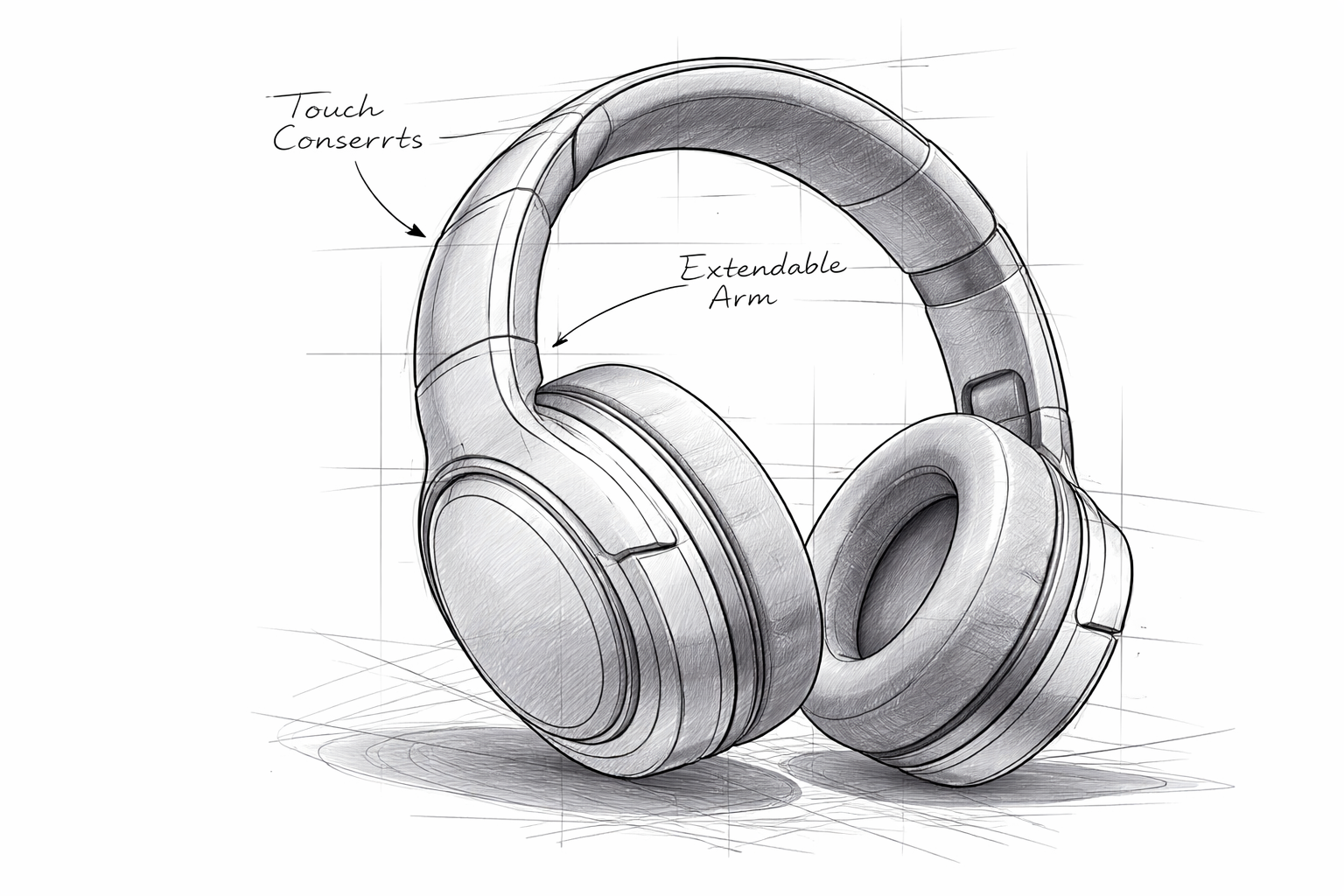
Modeling without good references is guessing
If you only have one view of a design, you end up eyeballing the rest. That slows you down and leads to rework.
Your concept art only shows one angle
Most concept images are a single front or three-quarter view. The artist imagined the back and sides — but you have to figure them out during modeling.
Finding matching reference images wastes time
You spend 20 minutes on Google or Pinterest hunting for side views that sort of match your design. Usually they don't match at all.
Guessing hidden details causes rework
You model what you think the back looks like, then the art director or your own eye catches it during review. Fixing it means re-topology or re-sculpting.
One concept, every reference you need
Upload your concept image and generate the front, side, and back views your 3D software needs. Consistent proportions across all angles.
Before
Original concept image
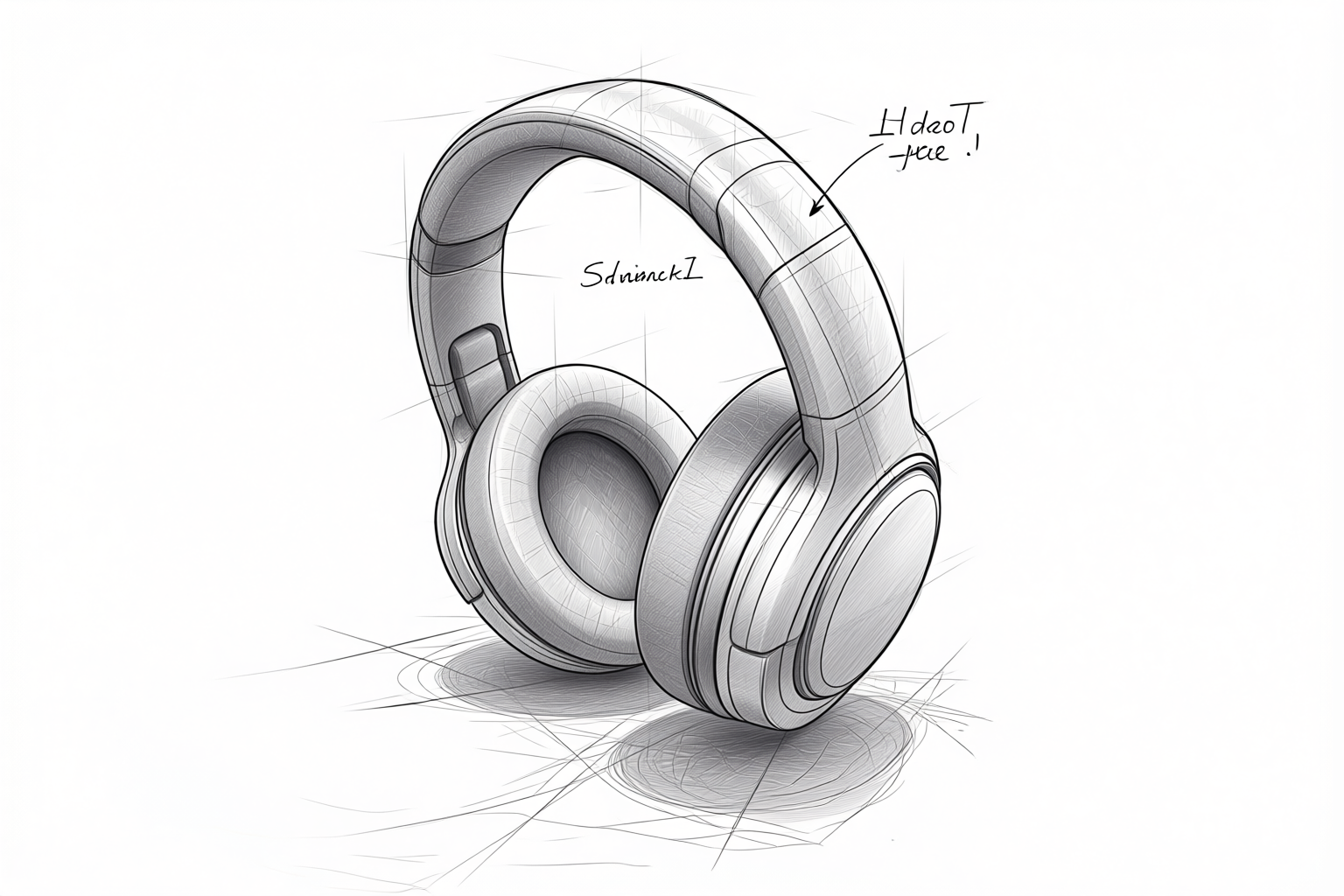
After
A 45° · E 0° · D 5
Generated multi-view modeling reference
How it works
Three steps from a concept sketch to reference images ready for your 3D viewport.
Upload your concept art
Use any concept drawing, illustration, or even a photo. Clear shapes and clean background help, but the tool handles most inputs.
Generate the views you need
Pick front, side, back, top-down, or any angle. Each is generated one at a time so you can verify proportions before committing.
Drop into your 3D software
Save the images and set them up as reference planes or background images in Blender, Maya, 3ds Max, or whichever tool you use.
Works for different modeling projects
Hard surface, organic, environment — the generated references adapt to what you're building.
Hard surface models
Vehicles, weapons, gadgets — clean edges and defined silhouettes give accurate multi-angle references.
Characters and creatures
Organic shapes like characters, animals, or fantasy creatures. Best results with a clear, readable silhouette.
Environment assets
Trees, rocks, furniture, and set pieces. Side and back views help you model the full form, not just the visible face.
Props and items
Game items, tools, accessories — small objects where a front and side reference is enough to model accurately.
Buildings and structures
Front and side elevations from a single concept can speed up architectural modeling and blockout.
Ready for your 3D software
Set up the generated views as reference images in any major 3D application.
Blender
Add as background image in each viewport (front, side, back) via the N-panel. Align and scale to match your model.
Maya
Use image planes or free image planes in the orthographic views. Front and side views guide your modeling flow.
3ds Max
Set up viewport backgrounds in the front and side views. Match the reference scale to your scene grid.
Frequently asked questions
Common questions about using AI-generated references for 3D modeling.